

Download Gmail Go – Gmail Go, free software, lightweight, communication, messaging, email, mobile app, Gmail, Google, mobile, Android, email client
Overview
Gmail Go is a streamlined mobile application designed to provide quick and efficient access to Gmail accounts directly from Android devices. The software eliminates the need to open a web browser, enabling users to manage their emails with minimal effort. Targeted primarily at individuals who rely heavily on email communication, Gmail Go offers a simplified experience tailored for those with limited device resources. It is particularly suited for users operating low-end Android smartphones, where performance and storage efficiency are critical.
Developed by Google, the application is built to deliver core email functionality with a focus on speed and minimal footprint. Its lightweight design allows for rapid installation and smooth operation even on devices with constrained hardware. Real-world usage scenarios include checking messages on the go, responding to urgent emails during commutes, or managing personal and professional correspondence without draining battery or storage. The app supports standard Gmail features such as inbox management, message filtering, and quick replies, making it a practical tool for everyday communication needs.
Key Features & Capabilities
- Lightweight Design – At just 15.4 MB, Gmail Go is optimized for low-end devices, ensuring fast loading times and minimal impact on system resources.
- Direct Email Access – Users can access their Gmail accounts without relying on a browser, streamlining the email-checking process.
- Quick Messaging Tools – Includes built-in features like quick replies, message categorization, and offline reading for improved communication efficiency.
- Ad-Supported Model – The app includes advertisements, which may appear during use, as part of its free access model.
- Offline Functionality – Allows users to view previously loaded messages without an active internet connection.
These features collectively support a frictionless email experience, especially beneficial for users in regions with limited data access or older devices. The app’s design prioritizes essential functions, reducing clutter and enabling faster navigation. For example, users can quickly scan their inbox, respond to messages with pre-set replies, or archive emails with minimal taps. The ad-supported nature of the app means that while core functionality remains intact, users may encounter promotional content during regular use.
User Interface, Workflow & Performance
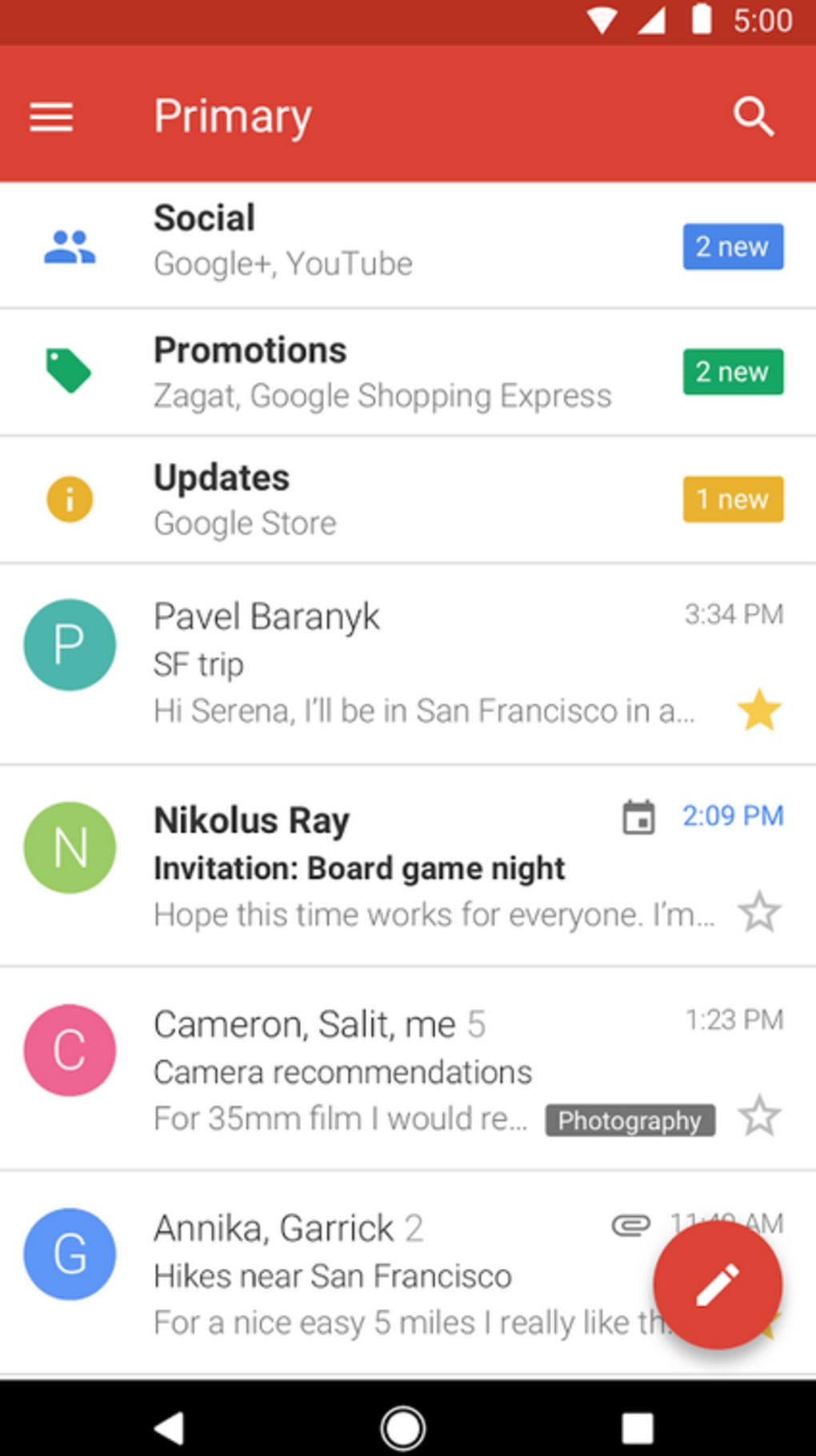
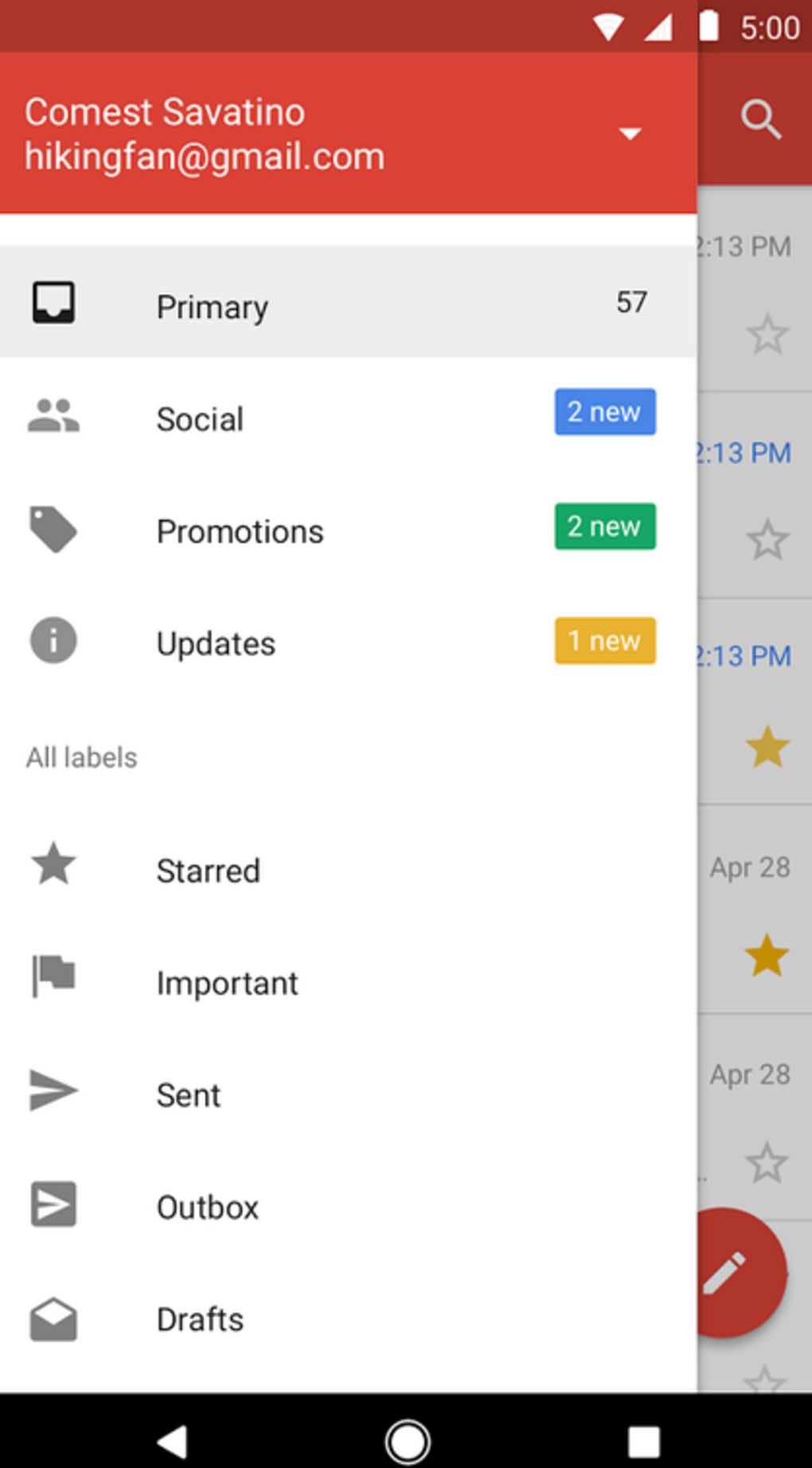
The user interface of Gmail Go follows a clean, minimalist design typical of Google’s mobile applications. Navigation is intuitive, with a bottom navigation bar providing access to key sections such as Inbox, Sent, Drafts, and Spam. The layout prioritizes readability and touch efficiency, ensuring that users can interact with messages using minimal gestures. The workflow is optimized for speed, allowing users to open, read, and respond to emails in fewer steps than traditional email clients.
Performance is consistent with the app’s lightweight nature. It launches quickly and maintains responsiveness even on devices with limited RAM and processing power. The developer did not specify resource usage details, but general behavior patterns suggest low CPU and memory consumption. Stability appears reliable under normal use, with no reported issues related to crashes or freezes. However, the presence of ads may occasionally interrupt workflow, particularly during active messaging sessions.
Compatibility & System Requirements
Gmail Go is designed for Android devices and is compatible with a wide range of smartphones and tablets running the supported OS version. The application version is 2024.07.0, released on July 1, 2024. The installation size is 15.4 MB, which is notably small compared to standard Gmail apps.
Exact system requirements were not listed by the developer. However, given the app’s lightweight nature, it is expected to function on Android devices from recent generations, including those with older hardware. Compatibility information is limited to the Android platform, and no support for other operating systems such as iOS or Windows was mentioned. Users should ensure their device meets basic Android compatibility standards to run the app successfully.
Pros and Cons
Pros
- Extremely lightweight at only 15.4 MB in size
- Fast performance on low-end Android devices
- Direct access to Gmail without a browser
- Offline message viewing and quick reply features
- Free to download and use with no subscription required
Cons
- Contains numerous advertisements that may disrupt user experience
- Limited feature set compared to the full Gmail app
- No support for iOS or other non-Android platforms
- Ad content may be intrusive during message management
- Exact system requirements not publicly disclosed
FAQ Section
Is Gmail Go available for iOS devices?
Gmail Go is currently only available for Android devices. There is no official version for iOS or other operating systems.
Is the app safe to download and use?
Yes, Gmail Go is developed by Google and distributed through official channels. It is considered secure for use on Android devices.
Does Gmail Go require an internet connection to function?
While an internet connection is required to send and receive new messages, the app supports offline viewing of previously loaded emails.
How often does Gmail Go receive updates?
Updates are released periodically by Google. The latest version, 2024.07.0, was published on July 1, 2024.
Can I use Gmail Go without a Google account?
No, Gmail Go requires an active Gmail account to access email functionality. It is not designed for standalone use.
Final Thoughts + CTA
Gmail Go stands out as a practical, efficient solution for users who need reliable access to their Gmail accounts on low-end Android devices. Its lightweight design, fast performance, and browser-free operation make it a valuable tool for communication-focused individuals, especially in resource-constrained environments. While the presence of ads may affect user experience, the app remains free and functional without requiring additional costs.
For those seeking a minimal yet effective email client that prioritizes speed and accessibility, Gmail Go delivers on its core promise. It is ideal for students, budget device users, and professionals managing multiple emails on the go. The app’s focus on essential features ensures a clutter-free workflow without sacrificing functionality.
Download Gmail Go now





.png)

